Nomad is a travel-data eSIM service with local, regional and global options. That means the smartest purchase is not always the biggest data pack or the cheapest-looking one. It is the plan that covers your real route, lasts for your actual trip, and has enough data for the way you travel.
Key takeaways
- ESIMDUDE15 gives 15% off eligible Nomad plans — enter it at checkout and confirm the discount appears before paying.
- Nomad's Unlimited Thailand plans and the Thailand 50GB/10-day plan are excluded from promo codes.
- A promo code is not a referral code — do not try to stack them unless Nomad's checkout explicitly allows it.
- Install most plans before travel and activate on arrival; the special Thailand plans should be installed only after landing in Thailand.
- Pick the plan that covers your real route and trip length first — the 15% comes after that decision, not before it.
Which Nomad plans can use ESIMDUDE15?
The coupon is for eligible plans. That word matters. A travel eSIM catalogue changes by country and promotion, and special-plan rules can be different from normal country or regional plans.
The important current exception is Thailand: Nomad's own help centre says Unlimited Thailand plans and the Thailand 50GB, 10-day plan cannot be bought with promo codes, referral codes or points. Do not expect ESIMDUDE15 to work on those products. You can still compare their final price with other Thailand options, but do it honestly.
For other plans, enter the code and let the live checkout decide. If it does not apply, do not assume you have done something wrong. It may be a plan exclusion, an account restriction, a one-use limit, or a changed promotion term. Nomad's app/website chat can confirm the current rule.
Pick the plan before you chase the discount
A 15% discount is helpful. It does not make the wrong plan right. Use this quick guide before checkout.
| Your trip | Better starting point | What to check |
|---|---|---|
| One country for a week | Country plan | Data amount, validity, city/rural network notes |
| Several European stops | Europe regional plan | Exact included countries, not the label alone |
| USA + Canada + Europe | Multi-region/global plan | Whether every stop is included and the validity length |
| Thailand | Country plan | Promo exclusions, activation timing and whether you need calls |
| Long remote-work trip | Larger data/add-on-capable plan | Hotspot, add-on support and data budget |
Nomad lists plans across more than 200 destinations, but the plan page — not a general claim — is what tells you the final countries, data and duration. Our best Nomad eSIM plans guide is the faster route if you are deciding between local, regional and global coverage.
What Nomad is good for
Nomad is best understood as a travel-data solution. Most Nomad eSIMs are designed for data services rather than traditional voice calls and SMS. For plenty of travellers, that is exactly what they need: Google Maps, WhatsApp, ride-hailing, hotel messages, translation, email and mobile boarding passes.
It can also work well if you keep your normal home SIM active for your usual number while Nomad handles data. The key setting is to choose Nomad as the mobile-data line and prevent automatic data switching from quietly using expensive data on your home SIM.
Hotspot/tethering is supported on most Nomad eSIMs, according to Nomad's help centre, so you can usually share data with a laptop or another device. "Usually" is the honest word here: device type, local network conditions and congestion can affect stability. If remote work is the whole reason for your purchase, read Nomad hotspot and tethering before deciding how much data to buy.
Ready to buy? Use ESIMDUDE15 for 15% off eligible plans.
When to install and activate your Nomad eSIM
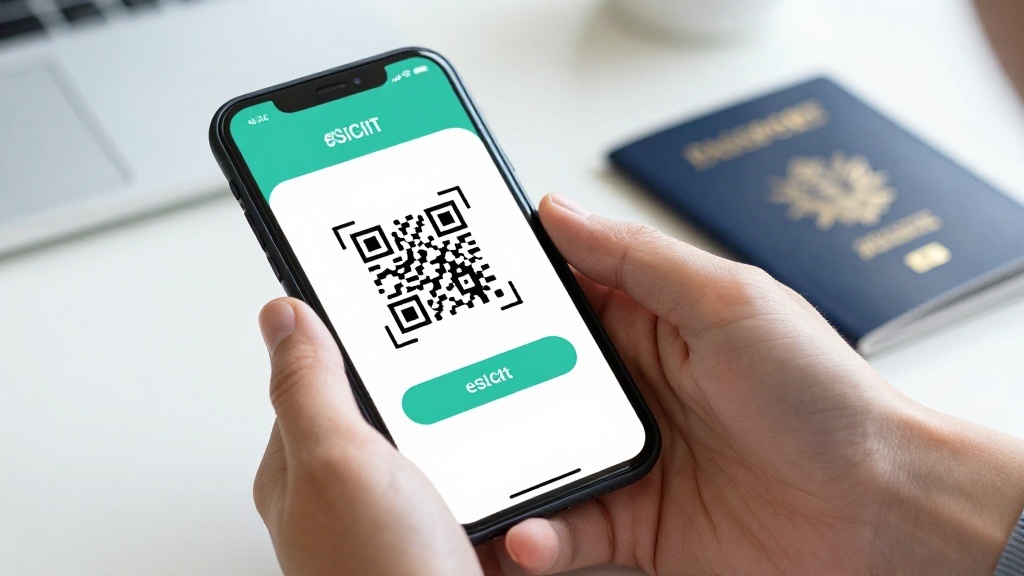
For most Nomad plans, install the eSIM before the trip and turn it on after arriving. Nomad says plans generally activate when they first connect to the supported local network with data roaming enabled. A normal unused eSIM can auto-activate after 60 days from purchase, so do not buy months ahead and forget about it.
Thailand is the exception that deserves a big red circle. Nomad says its Thailand 50GB/10-day and Unlimited Thailand plans can start when installed, even outside Thailand. For those special plans, install after you land in Thailand, not in your home airport. Installing early can start the validity countdown and may cause installation errors.
If this sounds fiddly, it is really just a two-minute settings job. Our how to use Nomad eSIM guide gives the iPhone and Android flow. If you are already staring at "No Service", use Nomad eSIM not working before deleting anything.
Nomad coupon versus referral code
They are not the same thing. A promo code such as ESIMDUDE15 is entered during checkout. A Nomad referral code is part of Nomad's own referral programme and can have its own new-user and redemption rules. Do not try to stack them unless Nomad explicitly shows that they can be combined.
That distinction is useful for content quality too. This page is the one home for the coupon. Supporting articles should mention it naturally, then link here rather than publishing thin pages targeting the same "Nomad promo code" query again and again.
A five-minute travel-data plan before checkout
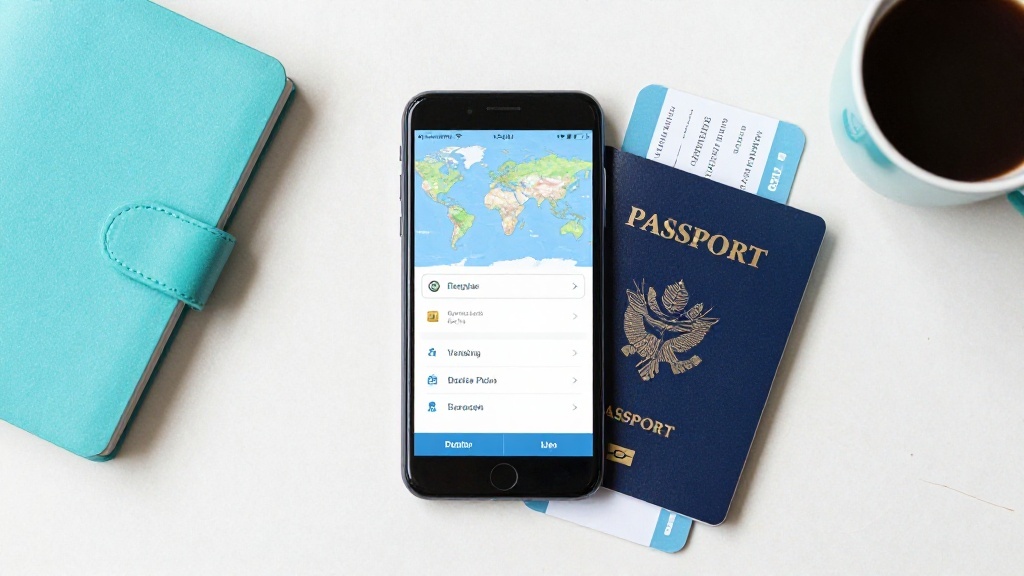
The best eSIM shoppers do one quiet piece of planning before they buy. Open your itinerary and answer five questions:
- Where do I land, and where do I leave from? A plan needs to cover more than the country printed on a booking confirmation. A day trip, airport connection or border train can matter.
- How many days will I really need data? Count arrival day and departure day. An evening flight home may still need maps, rides and airport messages.
- Will I have reliable Wi-Fi? A city hotel with strong Wi-Fi changes the data calculation. A campervan, island stay or work trip changes it again.
- Will I use a laptop? A hotspot turns ordinary phone data into a shared connection. It is handy, but it makes a small plan disappear quickly.
- Do I need my normal number? If bank codes or family calls arrive there, keep the home SIM active for that purpose and stop it from becoming the mobile-data line.
This is the difference between buying a plan and buying the right plan. Nomad's catalogue has local, regional and global options; the coupon belongs at the end of that decision, not at the beginning.
A clean iPhone and Android settings check
After purchase, the phone has two jobs: keep the Nomad eSIM ready and make sure it — not your home SIM — supplies data abroad.
On iPhone, open Settings > Mobile Service/Cellular. Add the eSIM using the QR/manual route from Nomad, label it clearly, select it under Mobile Data, turn on roaming for that travel line, and turn off Allow Cellular Data Switching. Menu names differ slightly by iOS version, but the logic stays the same.
On Samsung, look in Settings > Connections > SIM manager. On Pixel and many other Android phones, use Settings > Network & internet > SIMs. Make the Nomad profile the data SIM, enable data roaming for it, then check that the home SIM cannot switch in as a backup data line.
If the eSIM does not connect on arrival, do not make every settings change at once. First confirm you are in a covered destination. Then check data-line selection, roaming and mobile-data switching. Next, toggle airplane mode or restart. Nomad's published help also covers manual network selection and provider-specific APN settings. Keep screenshots and ask chat support before deleting the profile.
What happens if you run out of data?
Some Nomad plans support add-ons while the eSIM is active, has data remaining and has not expired. Nomad says unused data does not roll into an add-on and not every plan supports top-ups. That makes a small buffer more valuable than buying exactly the number of gigabytes you think you will use.
If your data has already expired or the plan does not support an add-on, you may need to buy another plan. Check the app early in the trip rather than at the moment your map stops loading outside a station. A travel eSIM is cheap insurance; it should not become a scavenger hunt. See how to add more data to a Nomad eSIM for the full add-on process.
How often we re-check this coupon
Coupon codes expire, exclusion lists change and plan names get renamed. We re-check ESIMDUDE15 against Nomad's own live checkout and published terms on a fixed schedule, and the "last reviewed" date at the end of this page is the real date that check happened — not an automatically generated timestamp.
When something changes, we update the exclusions rather than quietly leaving a stale discount on the page. That currently includes the Thailand Unlimited and Thailand 50GB/10-day plans, which are excluded from promo codes. If you hit an exclusion we have not documented yet, tell us on the contact page and we will verify and correct it.
Is Nomad eSIM safe to buy?
The better question is whether it fits your trip. Before buying, check that your handset is eSIM-compatible and carrier-unlocked, choose the correct destination plan, and save the order email. If the plan will not activate due to a genuine technical problem, Nomad has a refund policy and live chat support. If you simply activate the wrong plan, the outcome can be different — digital plans are not as easy to return as a physical item.
Nomad's published policy says refund requests should be made within 30 days. An uninstalled or unactivated plan is fully refundable under that policy; an activated plan is treated differently, and a discount-code purchase becomes non-refundable after installation or activation. Read Nomad's refund policy explained before purchasing for a trip that is still uncertain.
FAQ
What is the Nomad eSIM coupon code?
Use ESIMDUDE15 for 15% off eligible Nomad eSIM plans. Apply it in the Promo Code field before paying and check the price updates.
Does ESIMDUDE15 work on every Nomad plan?
No. The code applies to eligible plans. Nomad specifically says Unlimited Thailand plans and the Thailand 50GB, 10-day plan cannot use promo, referral or points discounts.
Can I add the coupon after I pay?
No. Nomad says promo codes cannot be redeemed retroactively after a purchase is made.
Can I make calls and receive SMS with Nomad?
Most Nomad eSIMs are data-first and do not include traditional voice calls or SMS. Check the exact plan details; some Thailand DTAC plans have different inclusions.
Can I use Nomad as a hotspot?
Nomad says hotspot/tethering works with most eSIMs, although stability can depend on your device and local network.
Bottom line
ESIMDUDE15 is the code to try when you are ready to buy an eligible Nomad plan. Choose coverage and validity first, apply the code before paying, and do not install special Thailand plans until arrival. That is the easiest way to get the saving without giving away days from your travel data.

Alex Carter
Fact-checked and last reviewed: August 28, 2026
Coupon-use and exclusion guidance checked against Nomad's promo-code help, activation guidance, hotspot help, refund policy and official shop on 19 July 2026. Plan availability and coupon terms can change; confirm the live checkout total.