Coupon:
ESIMDUDE15— 15% off eligible Nomad eSIM plans.
Key takeaways
- For a USA-only trip, a Nomad country plan is the clean starting point.
- Add Canada or Mexico stops? Check a multi-country or regional option instead of stacking separate eSIMs.
ESIMDUDE15gives 15% off eligible plans — confirm the discount shows before payment.- US coverage differs between dense cities and rural interstates; long road-trippers should buy more data headroom.
- Most Nomad plans are data-only — keep your home SIM active for calls and bank SMS codes.
Is a USA Nomad eSIM right for your trip?
It is a good match if you want data for maps, Uber/Lyft, hotel messages, airline apps, WhatsApp and browsing without removing your home SIM. Nomad's service is mainly data-first, so treat a USA eSIM as the data line and keep your normal SIM for calls or verification texts only if you understand your home network's roaming terms. See does Nomad eSIM include calls, texts or a number.
Nomad currently lists the USA among its popular destinations. Do not choose purely by a general "from" price. Open the individual plan, then check data, duration, the operator/coverage notes shown there, and whether your route is actually USA-only.
Choose the right coverage shape
| Route | Starting choice | Why |
|---|---|---|
| New York, California or one USA holiday | USA country plan | Usually the most direct coverage choice |
| USA plus Canada | Compare a relevant regional/multi-country plan | Avoid buying two plans if one covers both stops |
| USA, Canada and Europe | Compare global or EU-US-CA-style coverage | Coverage can be simpler, but confirm every country |
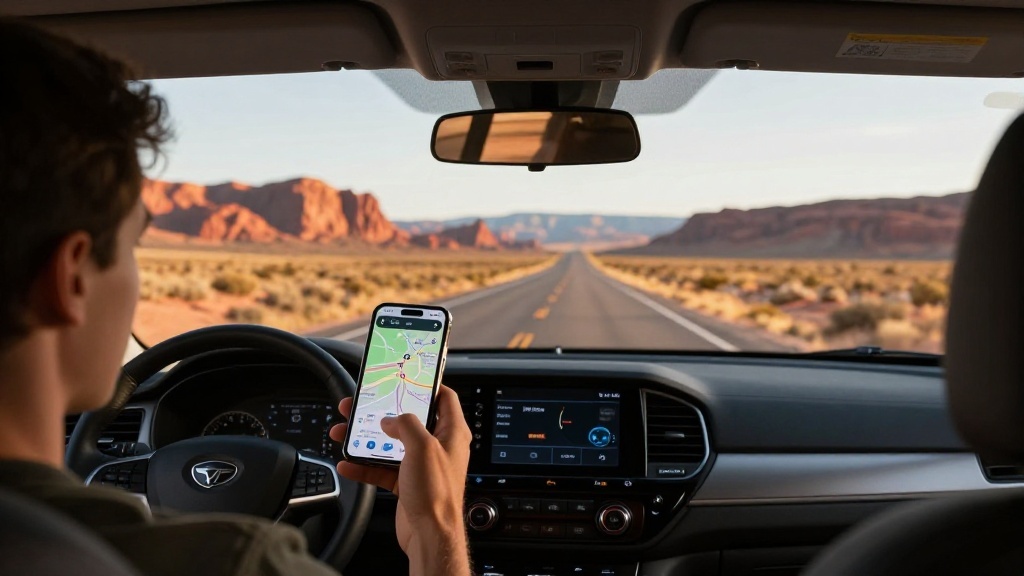
| US road trip | Larger data plan with a buffer | Navigation, music and hotspot use add up |
The USA is huge. City performance, rural availability, buildings and local network conditions can vary. Keep plan-level claims tied to the exact plan and do not promise a single experience across every state or national park.
How much data do you need in America?
For a five- to seven-day city break with hotel Wi-Fi, 3–10GB is a sensible planning range. For a road trip using navigation, ride apps, social uploads and music, 10GB+ gives you more breathing room. If you will tether a laptop, budget more; Nomad says hotspot works with most eSIMs but can vary by device and network. See Nomad hotspot and tethering.
Disable large app downloads and cloud-photo backup on mobile data. That one setting often saves more data than buying a much bigger pack.
Ready for your USA trip? Use ESIMDUDE15 for 15% off eligible plans.
Apply ESIMDUDE15 correctly
- Select the USA plan and confirm validity.
- Go to checkout in the Nomad app or web store.
- Enter
ESIMDUDE15under Add Promo Code. - Check the final total reflects 15% off.
- Complete payment only after the saving appears.
Nomad says promo codes cannot be applied after a purchase. Keep a screenshot of the final checkout and order email. That helps if you later need to check plan details or talk to support.
Setup after landing
Install with stable Wi-Fi before travel if the plan instructions allow it. On arrival, turn on the Nomad eSIM, choose it for mobile data and enable data roaming for that line. Turn off automatic data switching so your home SIM cannot quietly take over when the travel signal is weak. Full steps: how to use Nomad eSIM.
If the plan does not connect, do not delete it. Confirm the data line, roaming, destination and plan status; toggle airplane mode; restart; then use Nomad's APN/network help or chat support. Nomad eSIM not working has the full order of checks.
FAQ
Does Nomad work in the USA?
Nomad sells USA travel eSIM plans. Check the live plan details for data, duration and current network/coverage information.
Can I use the USA plan in Canada?
Not unless the exact plan lists Canada. For a cross-border route, compare a multi-country or regional plan.
Does Nomad USA include calls and texts?
Most Nomad eSIMs are data-first. Check the plan page rather than assuming calls or a phone number are included.
Does the coupon work after checkout?
No. Nomad says promo codes must be entered at checkout and cannot be applied retroactively.
Bottom line
Pick a USA-only plan for a USA-only trip, save 15% where eligible with ESIMDUDE15, and protect your home SIM from accidental roaming. For multi-country travel, compare regional coverage before buying two separate plans.

Alex Carter
Checked against Nomad's official shop, promo-code help, hotspot help and activation help on 19 July 2026.